

Road Trip Planner
Read our comprehensive review of the Road Trip Planner map app for Mac. Discover how to plot routes, customize pins, and build your perfect travel itinerary.
The Ultimate Route Mapping Solution for Mac
Road Trip Planner map routing software offers macOS users a robust, highly customizable environment to design, calculate, and document complex journeys without recurring subscription fees. Developed by Kyle Modesitt, this travel-local application is engineered specifically for travelers who want complete control over their itineraries, combining geographical mapping with deep organizational tools.
Who Benefits Most from This Travel Planner?
While casual travelers can certainly use this application, it is uniquely suited for:
- Overlanders and Road Trippers: Those who want to map out specific, multi-stop routes with custom waypoints rather than relying on simple point-A-to-point-B GPS routing.
- Detail-Oriented Itinerary Creators: Users who want to track accommodation costs, specific activity timings, reservation confirmation numbers, and fuel estimates in one document.
- GPS Hardware Enthusiasts: Travelers who prefer exporting structured route data to physical GPS devices via GPX files.
Granular Pin Customization and Information
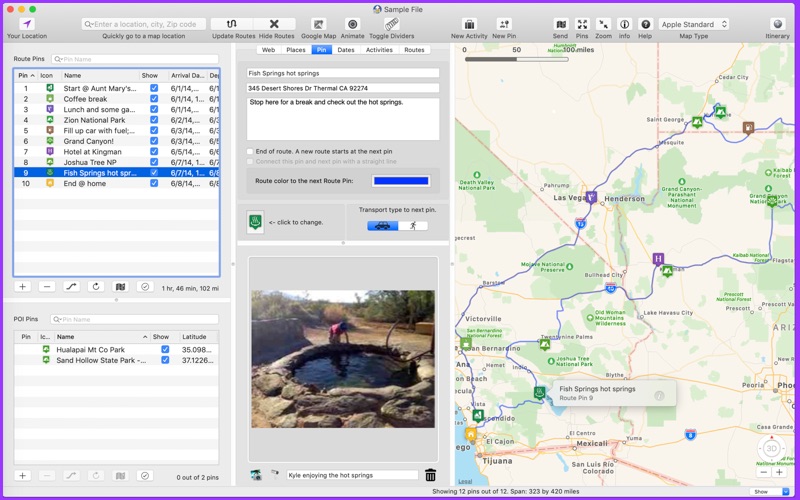
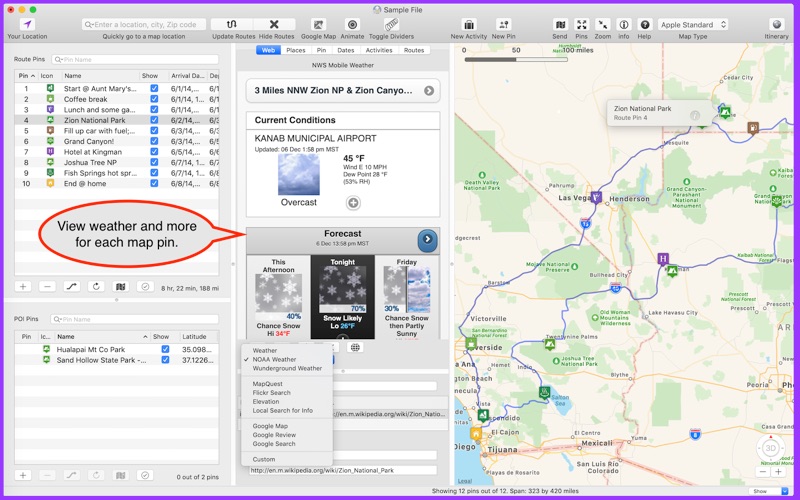
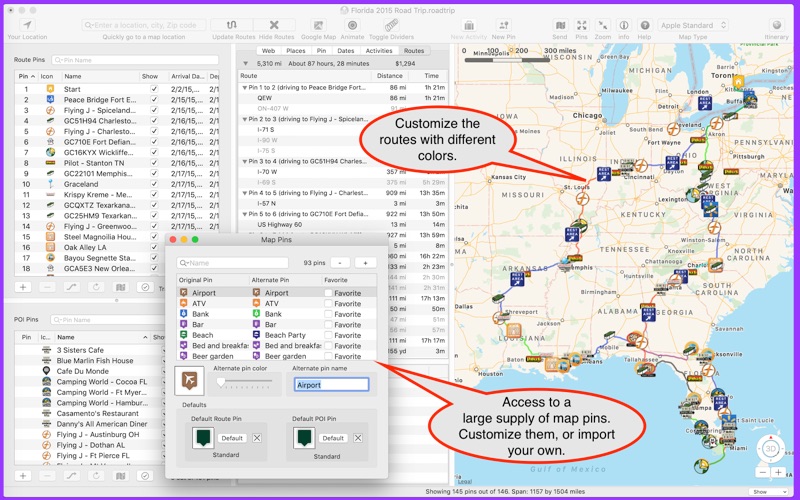
At the core of the Road Trip Planner map routing experience is its highly detailed pin system. Rather than just marking a coordinate, each pin acts as a digital folder for that specific stop. Users can record arrival and departure times, document notes, attach local images, search Flickr photos, check weather reports from NOAA, and even view elevation profiles. With over 90 custom pin colors and icons available, you can easily categorize your stops visually.
Seamless Integration and Export Options
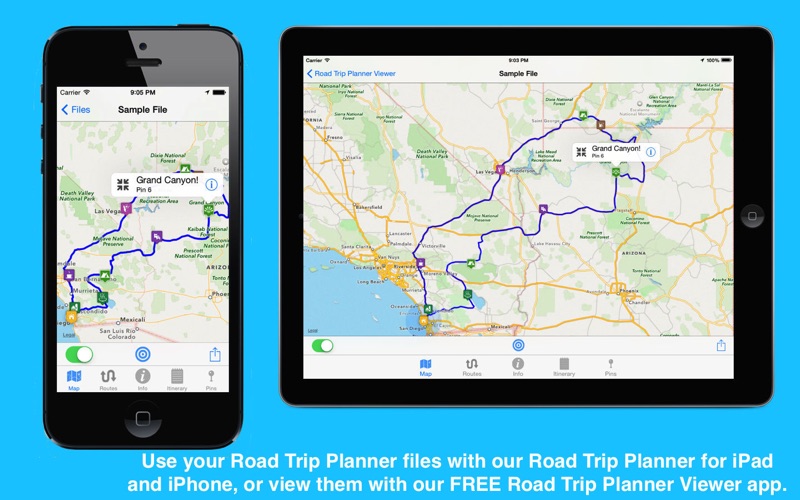
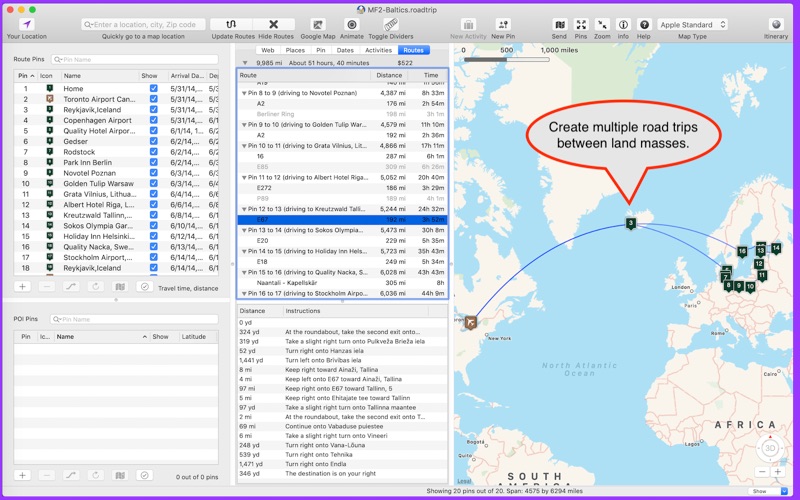
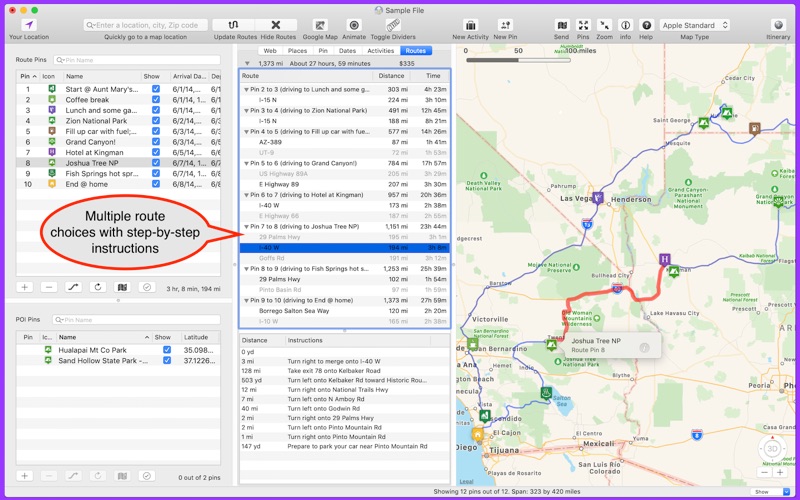
The application relies on Apple Maps technology for its underlying routing calculations, ensuring smooth performance on macOS. It also supports OpenStreet Maps as an alternative. Once your itinerary is finalized, you can view it on your mobile device using the companion iOS app or export your routes as GPX files for standalone navigation units. You can also generate a comprehensive, printable itinerary document that includes fuel calculations, activity lists, and turn-by-turn driving directions.
Is It Right for You?
If you prefer a one-time purchase over ongoing subscription models and need a powerful desktop interface to meticulously organize your upcoming travels, this tool is an exceptional investment. To learn more or to purchase the application, check out the official listing on the Mac App Store.