
Screen Recorder:Record it now!
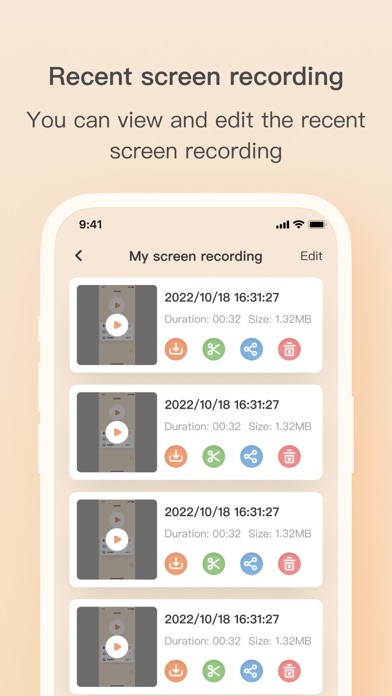
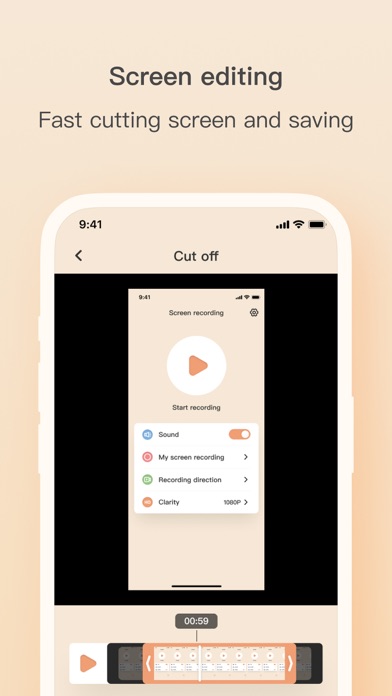
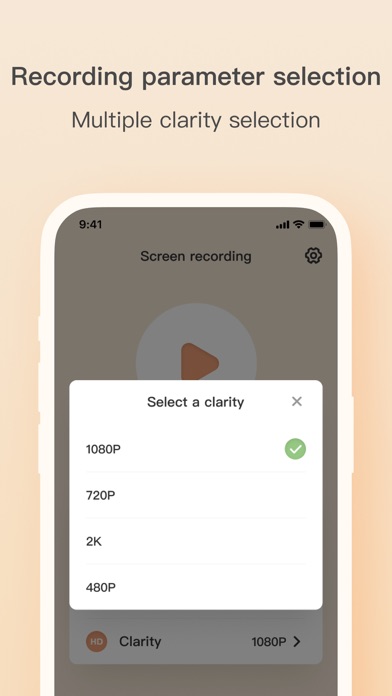
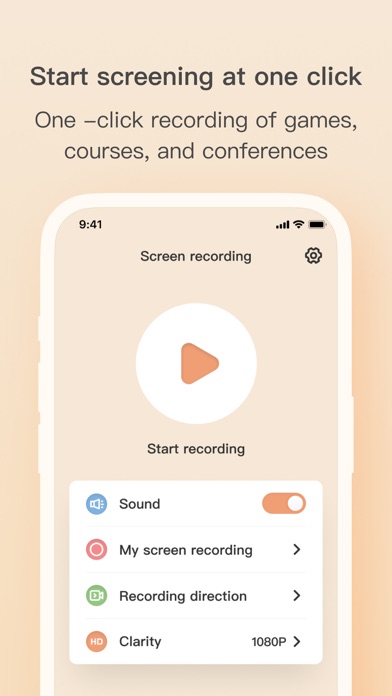
Read our comprehensive review of Screen Recorder:Record it now! to discover how this Mac tool delivers smooth, high-definition desktop and audio capture.
Uncompromising Quality: What Sets Screen Recorder:Record It Now! Apart
When it comes to capturing desktop activity, many tools force users to compromise between smooth frame rates and high resolution. Screen Recorder:Record it now! breaks this mold by delivering ultra-fluid 60FPS recording at resolutions up to 2K. Developed by YANXIONG CHEN, this Mac utility is designed specifically for communication-focused captures, making it an exceptional choice for creators, educators, and professionals who require crisp visual fidelity without stuttering.
Key Features and Performance Capabilities
This application stands out by offering a robust suite of capture and editing tools right out of the box. Whether you are documenting software bugs, creating tutorials, or archiving virtual meetings, the software handles resource-heavy tasks with ease. Here is what makes the utility highly effective:
- High-Definition Output: Support for 2K resolution at a bitrate of up to 12Mbps ensures your videos remain pixel-perfect.
- Smooth 60FPS Capture: Ideal for high-motion content, such as gameplay or dynamic interface presentations, preventing any choppy playback.
- Simultaneous Audio Recording: Capture system sounds or narration via your microphone in real-time to add instant context to your clips.
- Uncapped Recording Time: Record long sessions, webinars, or deep-dive tutorials without worrying about arbitrary time limits.
- Built-In Editing Tools: Refine your captured footage immediately with intuitive, free editing features to trim and polish your final video.
Who Is This Mac Screen Recorder For?
Categorized under communication utilities, this application is tailored for users who need to share visual information quickly and clearly. Product managers can record precise software walkthroughs, educators can build engaging digital lectures, and remote teams can replace lengthy emails with quick, clear video updates. The lack of restrictive time limits combined with high-fidelity audio integration makes it highly versatile for both casual sharing and professional documentation.
Subscription and Premium Options
While the application offers powerful free recording capabilities, it features a VIP Subscription model for users seeking advanced capabilities. Managed directly through your iTunes Account, the subscription automatically renews unless auto-renew is disabled at least 24 hours prior to the billing cycle's end. This transparent system ensures you can customize your experience and scale your recording tools as your workflow demands.
Final Verdict
Screen Recorder:Record it now! offers an excellent balance of high-performance capture settings and accessible editing features. If you need a reliable, high-definition recording solution on macOS that captures both your screen and microphone audio seamlessly, this app is a highly capable contender. To explore its features and integrate it into your workflow, head over to the official Mac App Store to get started.