

UZDoom
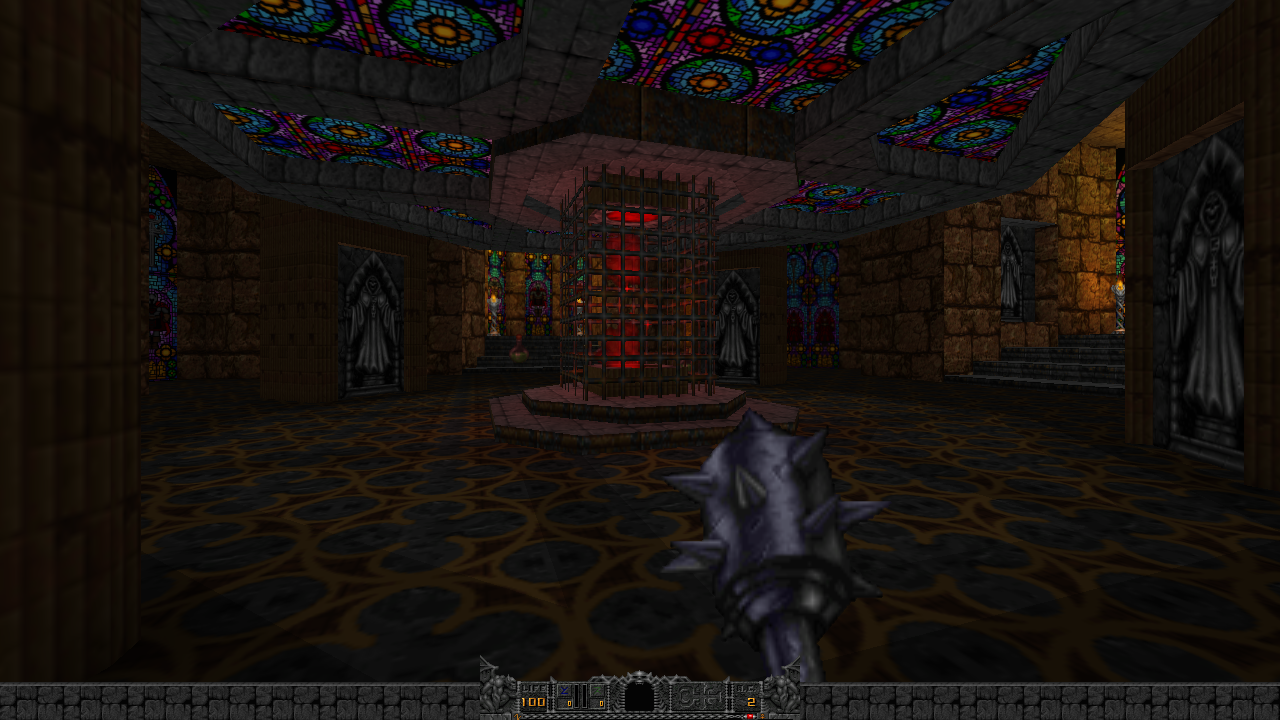
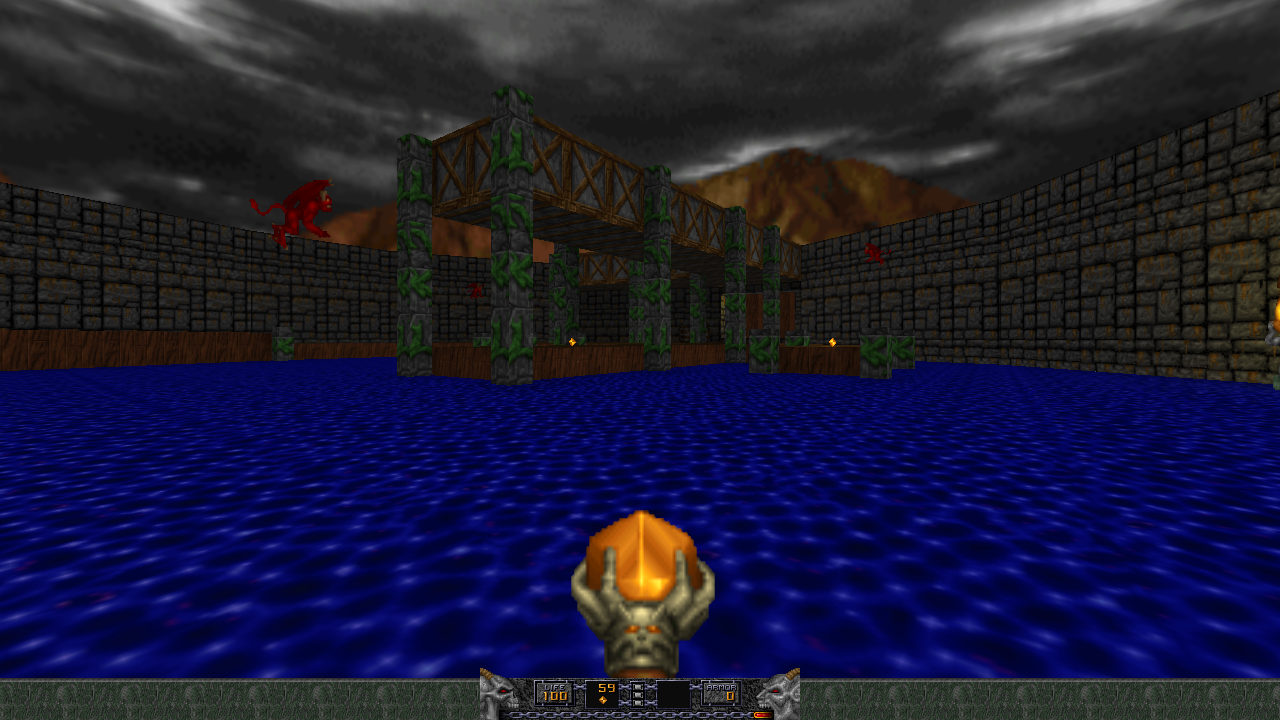
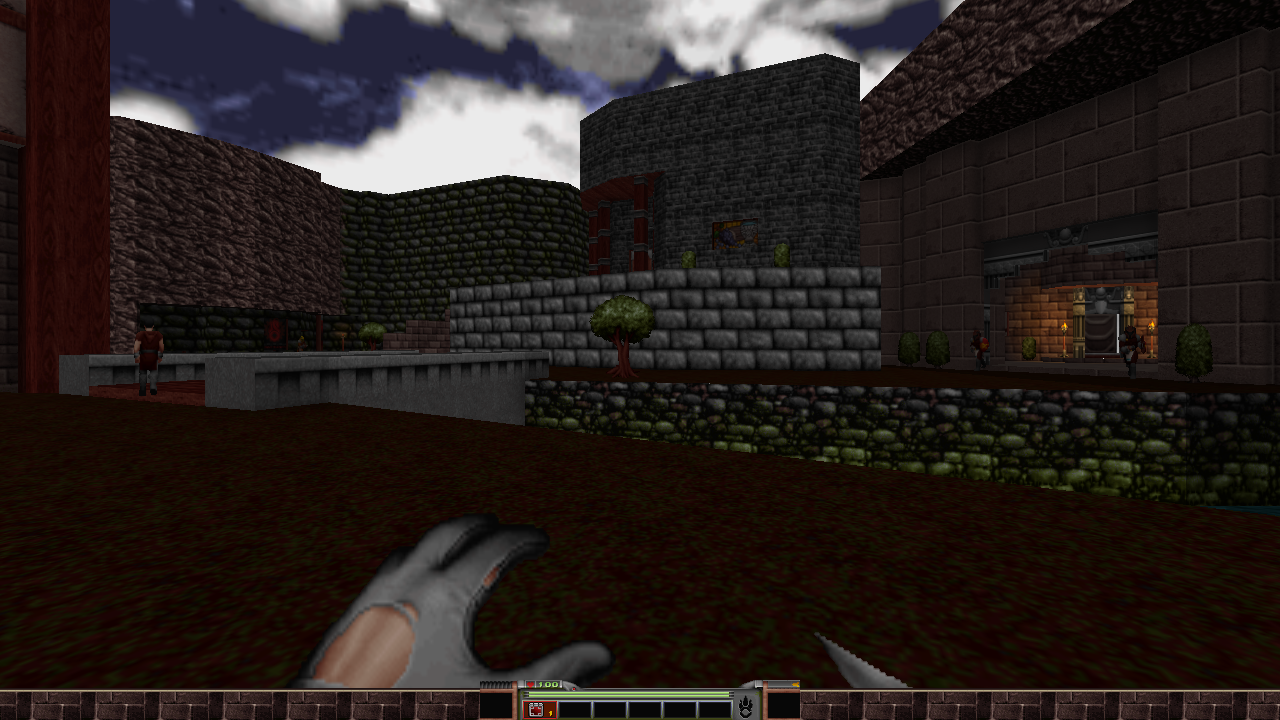
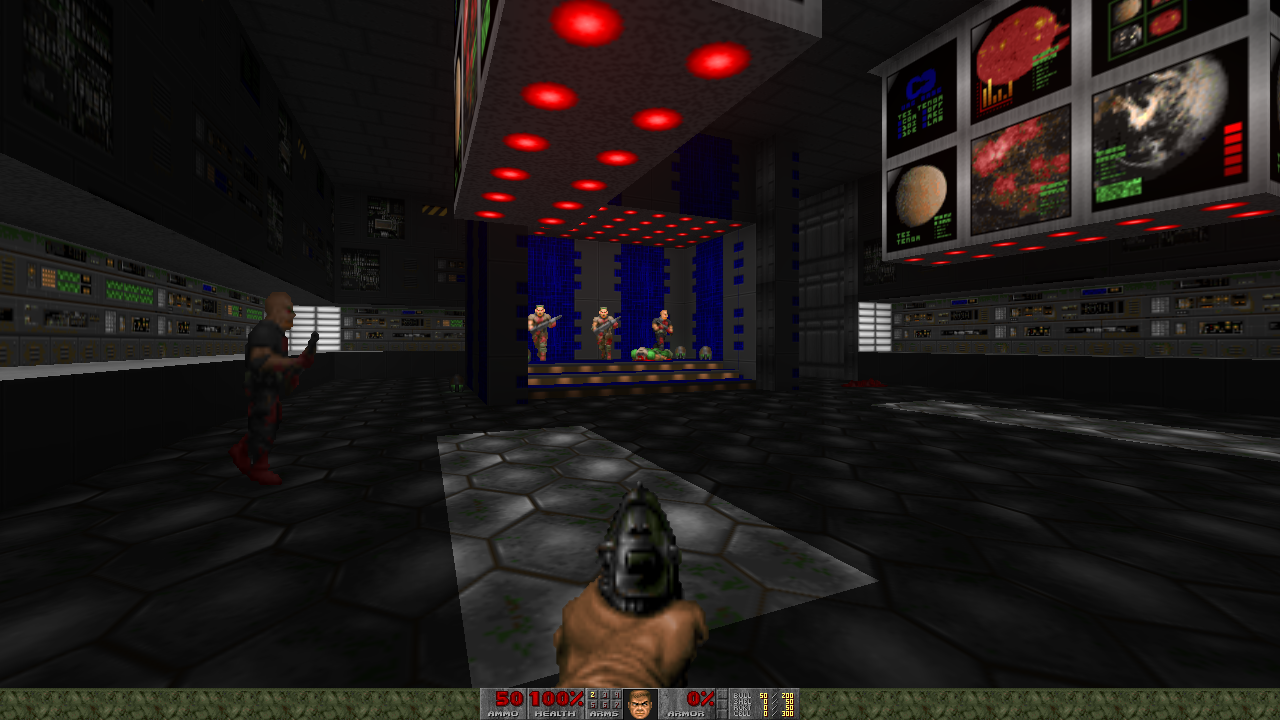
Discover UZDoom, the ultimate classic Doom game engine for Linux. Read our review of this powerful modern source port and unleash classic idTech 1 mods.
Modernizing Retro Gaming on Linux
For fans of retro first-person shooters, the classic idTech 1 engine represents a golden era of gaming. The UZDoom classic doom game engine serves as a robust, modern source port designed specifically to bridge the gap between historical software design and current operating systems. Developed by the dedicated UZDoom team, this platform provides Linux users with a highly customizable environment to run classic shooters flawlessly on contemporary hardware without losing the authentic feel of the original releases.
Broad Compatibility with the idTech 1 Family
One of the most impressive aspects of this engine is its extensive compatibility. Instead of limiting players solely to Doom, the UZDoom classic doom game engine acts as a unified hub for a massive library of classic titles and fan-made total conversions. Out of the box, it supports:
- Ultimate Doom and Doom II
- Heretic and Hexen (including advanced ACS scripting and map formats)
- Strife and Chex Quest
- Community favorites like Harmony and Hacx
Advanced Gameplay and Modern Customization
What can you actually do with UZDoom? This source port removes the rigid engine limitations of the 1990s, allowing you to experience these classic worlds with modern quality-of-life enhancements. Players can enable full mouselook to scan environments vertically, jump, crouch, swim, and even fly through custom maps. The engine supports high-resolution rendering, crosshairs, and a Quake-style console with deep key-binding options. For audio enthusiasts, several softsynths are included for MIDI playback, featuring an OPL emulation that perfectly recreates the nostalgic, retro soundcard aesthetic.
Extensive Modding Capabilities
Beyond playing the standard campaigns, the UZDoom classic doom game engine is built to handle highly complex user-created modifications. By utilizing advanced mapping tools and the powerful ZScript language, creators can implement intricate gameplay mechanics, custom enemies, and entirely new weapon systems. Whether you are looking to play massive community-made megawads or develop your own standalone retro game, the engine provides the necessary framework to run these demanding scripts smoothly on Linux.
Important Setup and Security Notes
It is important to note that UZDoom does not include the commercial game data files (IWADs) themselves; you must provide your own legally owned files to play commercial campaigns. Additionally, because the Flatpak distribution prioritizes system security, file access is restricted by default to the specific user directory path: ~/.var/app/org.zdoom.UZDoom/. Users will need to place their game files inside this folder or adjust permissions using a utility like Flatseal to point the engine to custom directories.
Conclusion: Is It Right For You?
If you want a highly stable, feature-rich, and customizable retro gaming experience on Linux, this port is an exceptional choice. It honors the core mechanics of vintage shooters while providing the modern standards today's players expect. To get started and explore the setup further, visit the official Flathub store page to check out the application.